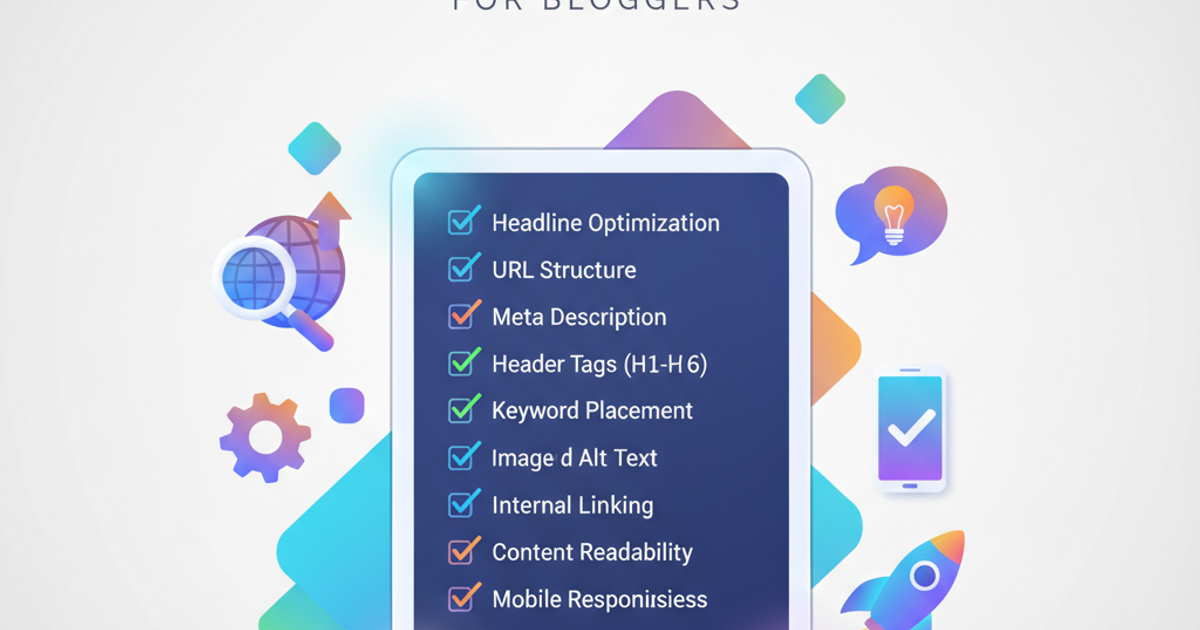
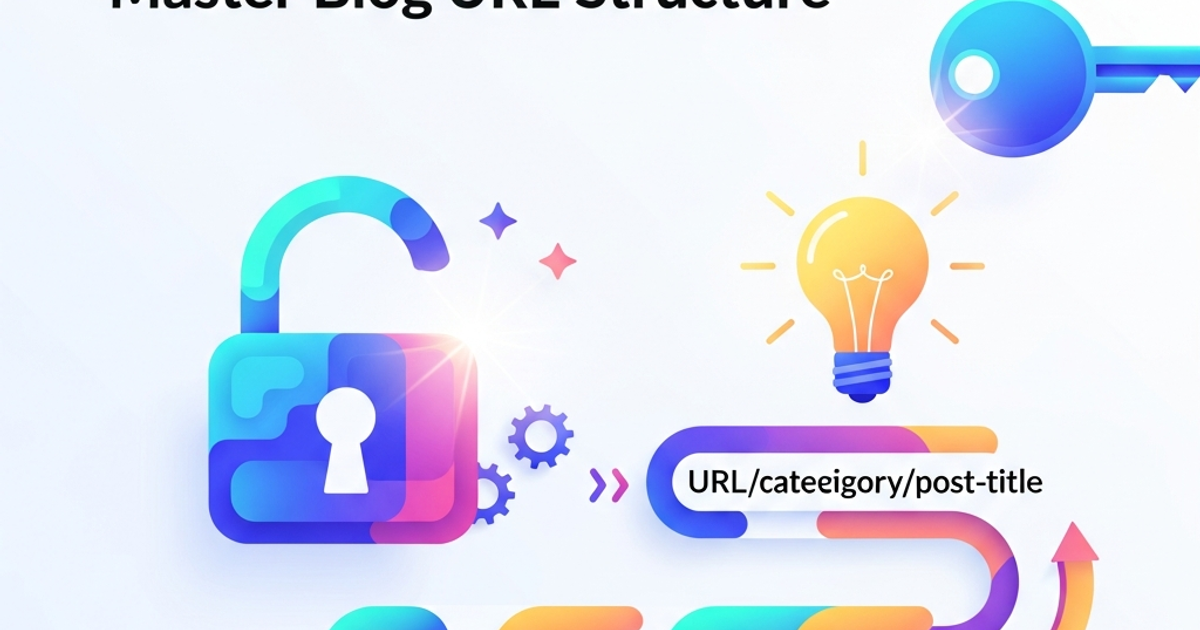
You've poured hours into crafting that killer blog post. The content is gold, the visuals are stunning, and you're ready to hit publish. But wait! Have you thought about your URL structure? It might seem like a small detail, but getting your URLs right is a cornerstone of good On-Page SEO. It's not just about making a pretty web address; it's about telling search engines (and your readers!) exactly what your page is about, at a glance. Think of it as the first handshake your content makes with Googlebot. A solid URL structure can significantly boost your search engine rankings, improve user experience, and make your content more shareable.
We're diving deep into the art and science of how to optimize blog URL structure for maximum SEO impact. This isn't just for SEO gurus; it's a fundamental practice for anyone serious about their content's visibility. And guess what? Tools like BlogMe can actually help automate a lot of this, but understanding the 'why' behind it is crucial.
Why Your Blog URL Structure Matters More Than You Think
Let's break it down. Search engines like Google crawl the web by following links. When they land on your page, they analyze everything to understand its topic and relevance. The URL is one of the first pieces of information they process. A well-structured URL acts like a clear signpost, directing search engine crawlers effectively.
Search Engine Visibility: A URL containing relevant keywords tells search engines, "Hey, this page is about X!" This can give you a little boost in search results for those specific keywords. For instance, if you have a post about "best vegan chocolate chip cookie recipes," a URL like yourwebsite.com/recipes/vegan-chocolate-chip-cookies is far more informative than yourwebsite.com/post123.
User Experience (UX): Humans are visual creatures. A clean, descriptive URL is easier for your readers to understand, remember, and trust. If someone sees yourwebsite.com/guide-to-optimizing-blog-url-structure in their search results, they have a much better idea of what they're clicking on than if they saw yourwebsite.com/article?id=98765. This leads to higher click-through rates (CTR) because users know what to expect.
Shareability: Ever tried to share a URL with a long string of random numbers and characters? It's clunky and looks spammy. A concise, keyword-rich URL is much more appealing when shared on social media, in emails, or even just in casual conversation. It's professional and clearly communicates the topic.
Site Navigation and Internal Linking: A logical URL structure makes it easier for you to organize your content and build effective internal linking strategies. When URLs follow a predictable hierarchy (e.g., yourwebsite.com/category/subcategory/post-title), it helps both users and search engines navigate your site more intuitively.
Deduplication Issues: Poorly structured URLs can sometimes lead to duplicate content issues, where search engines see slightly different URLs pointing to the same content. This can dilute your SEO efforts. A consistent structure helps prevent this.
Best Practices for Crafting SEO-Friendly URLs
So, how do you actually go about creating these magical URLs? It's all about clarity, relevance, and simplicity. Let's dive into the nitty-gritty of how to optimize blog URL structure.
1. Keep it Short and Sweet:
Long URLs are a no-go. They're hard to read, can get cut off in search results, and are more likely to contain typos when shared. Aim for brevity while still being descriptive. A good rule of thumb is to include only the most essential keywords that define the page's content.
- Good:
blogme.io/seo-tips/keyword-research-guide - Bad:
blogme.io/articles/posts/2023/11/05/definitive-guide-on-how-to-do-thorough-keyword-research-for-your-blog-posts-and-improve-traffic
2. Use Keywords Strategically:
This is where the magic happens for SEO. Include your primary keyword (or a close variation) in the URL. But don't stuff it! Use keywords naturally, as they would appear in a human sentence. Think about what someone would actually search for.
- Example: If your post is about 'on-page SEO techniques,' a URL like
yourwebsite.com/on-page-seo-techniquesis perfect.
3. Stick to Lowercase:
While search engines generally treat uppercase and lowercase letters the same, consistency is key. Using all lowercase prevents potential duplicate content issues (where YourPage.html and yourpage.html might be seen as different pages) and simply looks cleaner.
4. Use Hyphens, Not Underscores:
This is a classic SEO recommendation. Search engines recognize hyphens (-) as word separators, while they treat underscores (_) as part of the word. So, blog-post-url is understood as three words, but blog_post_url might be seen as one long word. Always use hyphens to separate words in your URLs.
5. Be Descriptive and Specific:
Avoid generic terms like 'page,' 'article,' or 'post.' Instead, use words that accurately describe the content. If your post is a 'case study,' use 'case-study' in the URL. If it's a 'tutorial,' use 'tutorial.'
6. Consider Your Site's Hierarchy (Categories and Subcategories):
Think about how you organize your content. Including category and subcategory slugs in your URL can provide valuable context for both users and search engines. For example:
yourwebsite.com/category/sub-category/your-post-title
This structure is particularly helpful for larger sites. If you're using a platform that handles content generation and organization like BlogMe, ensure its settings allow for this kind of structured URL creation.
7. Avoid Dates (Usually):
Unless your content is highly time-sensitive (like news articles), avoid including dates in your URLs. A URL like yourwebsite.com/2023/11/05/blog-post-title will look outdated quickly, even if the content is evergreen. If you update the post later, the URL still shows the old date, which can deter clicks. If you need to manage content by date, do it in your internal CMS, not in the public URL.
8. Use Numbers Sparingly and Appropriately:
Numbers can be useful if they represent a list (e.g., 10-seo-tips) or a specific measurement. However, avoid using numbers that don't add value. If a number becomes outdated, you might need to change the URL, which isn't ideal.
9. Remove Stop Words (Optional but Recommended):
Stop words are common words like 'a,' 'an,' 'the,' 'is,' 'in,' 'on,' etc. While search engines are smart enough to understand them, removing them can make your URLs shorter and more keyword-focused. For example, yourwebsite.com/how-to-optimize-blog-url becomes yourwebsite.com/optimize-blog-url.
10. Think About URL Slugs:
The 'slug' is the part of the URL that comes after your domain name. When you create a blog post, your content management system (CMS) or blog platform will usually ask you to define this slug. This is your chance to implement all the best practices above. Make sure you're using your CMS's features to customize slugs effectively.
You Might Also Like
- Unlock Blog Growth: Your Best Keyword Research Strategyin Marketing & SEO
- Blog SEO 2026: Your Ultimate Optimization Guidein Marketing & SEO
- Your Ultimate On-Page SEO Checklist for Bloggersin Marketing & SEO
Putting It All Together: Examples and Common Pitfalls
Let's look at some practical examples. Imagine you're writing for the official BlogMe blog, which focuses on AI content, SEO, and GEO insights. You've just finished an amazing article explaining how to use AI for keyword research.
Potential URL Structures:
- Great:
blogme.io/ai-seo/keyword-research-with-ai(Includes category, relevant keywords, short, uses hyphens) - Good:
blogme.io/keyword-research-ai(Shorter, still effective) - Okay (but less ideal):
blogme.io/blog/ai-keyword-research-guide-explained(A bit longer, but acceptable) - Bad:
blogme.io/post-id-12345(No context) - Bad:
blogme.io/ai-keyword-research-tool-best-for-seo-traffic-growth-2023(Too long, includes unnecessary words)
Common Mistakes to Avoid:
- Changing URLs Frequently: Once a URL is live and indexed, changing it can break existing links and negatively impact your SEO if not handled with proper redirects. Only change URLs if absolutely necessary and always implement 301 redirects.
- Using Special Characters: Stick to letters, numbers, and hyphens. Avoid characters like
&,?,#,%, etc., as they can cause issues. - Not Planning Ahead: It's much harder to fix a messy URL structure later. Plan your URL strategy from the beginning. If you're using an AI content platform like blogme.io, you can often set URL structure guidelines upfront, saving you a lot of manual work.
- Ignoring Mobile Users: Shorter URLs are even more crucial on mobile devices where screen space is limited and typing can be more cumbersome.
Final Thoughts on Optimizing Your Blog URL Structure
Mastering how to optimize blog URL structure is a fundamental step in any robust SEO strategy. It's about creating clear, concise, and keyword-rich web addresses that benefit both your readers and search engines. By following these best practices—keeping URLs short, using keywords wisely, employing hyphens, and maintaining a logical hierarchy—you lay a strong foundation for your content's discoverability.
Remember, your URL is a small but mighty component of your overall on-page SEO. Don't overlook it! A well-crafted URL can be the difference between a user clicking away or clicking through to your valuable content. And for those looking to streamline the entire content creation and optimization process, exploring AI-powered solutions can be a game-changer. Tools that integrate content generation with SEO best practices, like automated URL suggestions and optimization checks, can significantly enhance your efficiency and effectiveness.
Keep experimenting, keep optimizing, and happy blogging!
BlogMe Team
Expert insights and analysis to keep you informed and ahead of the curve.